Patriot High School

New Students
Technology
Basic upkeep for the devices
- Turn-off/Shutdown at the end of each day
- Save to OneDrive, not the device
- Insurance link
Student Account Information
Initial Password Setup:
See Mr. Sackett for a temporary password. You will use your username and temporary password for your initial login. During this login, you will be prompted to set a new password. This will be your password to login to the device AND Office365.
Microsoft Account:
office365.pwcs.edu is where you'll login to Microsoft Office 365. You will need to sign in here first before any other account syncs. Upon creation of your account, you may have a 24-48 hour period where your account does not fully sync up to Microsoft Office365. This is normal. Wait for two nightly syncs before seeking account assistance.
Access PWCS Resources and Software
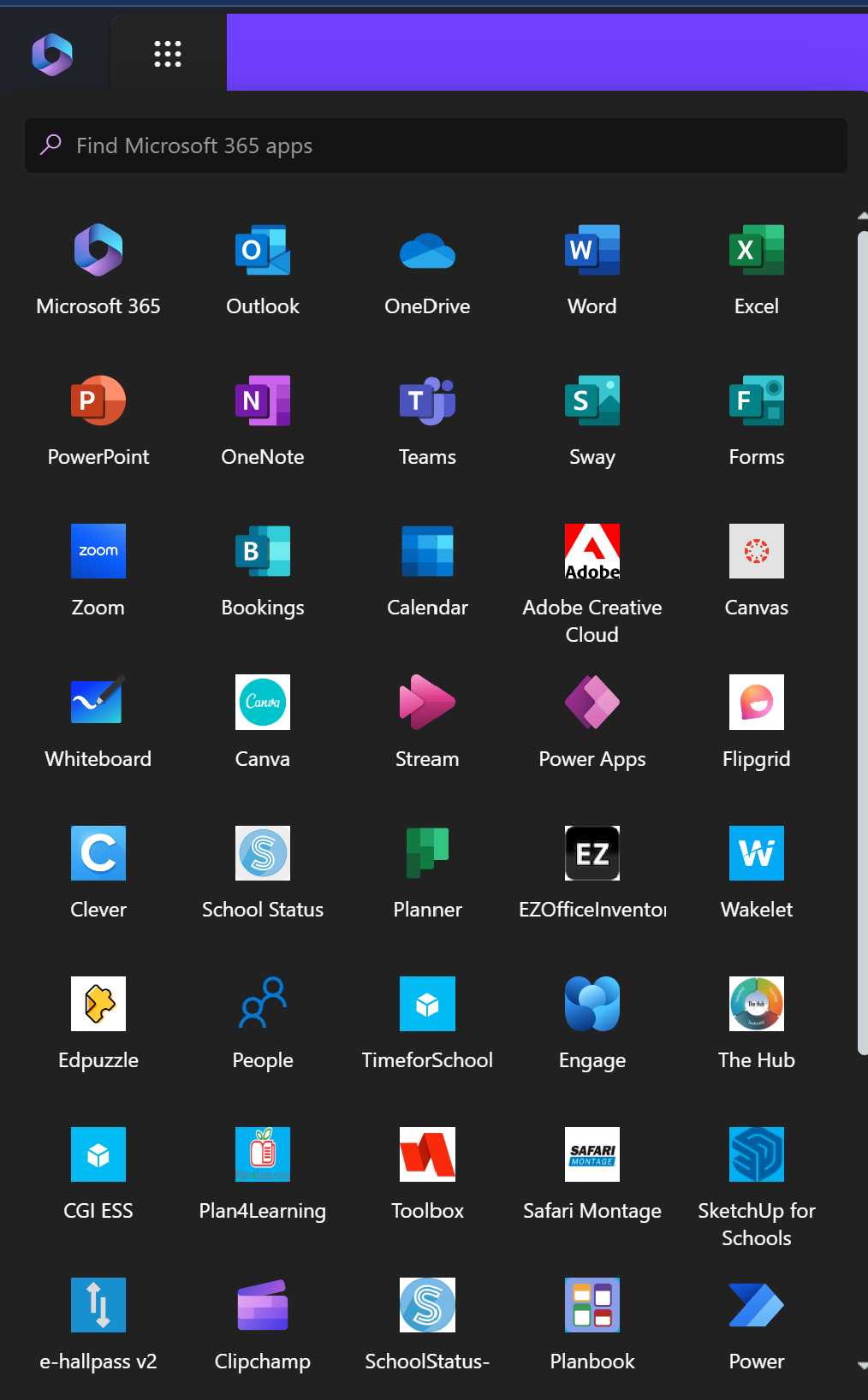
Use the PWCS Sites Bookmark or the Microsoft Office365 'waffle'
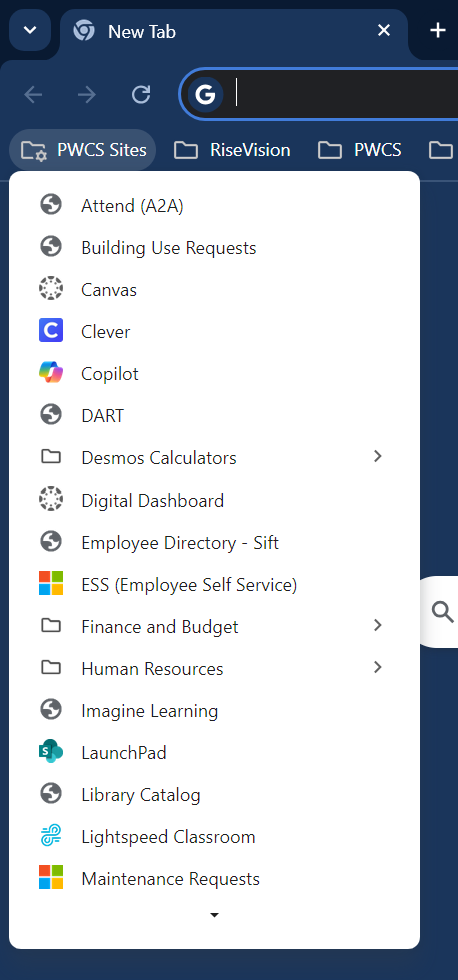 .
. 
StudentVUE
StudentVUE gives students access to bus and class schedules, grades, attendance information, and more.
You may access StudentVUE online, but for the best mobile experience, we encourage you to download the StudentVUE App from the Google Play Store and Apple Store.
Students can access their StudentVUE account by using their Microsoft 365 username and password credentials. If you have forgotten your password or have issues with login, please contact your school's ITC.
All information is available in both StudentVUE and ParentVUE.
StudentVUE is a website that offers secure, private access to school and student information, including assignments, grades, attendance, school calendar, and teacher contact details.
Log In
- Go to StudentVUE or enter the StudentVUE URL studentvue.pwcs.edu in your web browser; or open the mobile app.
- Enter your Microsoft 365 username and password and select Login.
Mobile Apps
Download the StudentVUE app by searching "StudentVUE" in the Apple iTunes or Google Play stores.